GPT-Image2-Skill
wuyoscar · wuyoscar/GPT-Image2-Skill
Một bộ sưu tập các kỹ năng tác nhân và CLI cho GPT Image 2/2.5, bao gồm thư viện prompt, hình ảnh tham khảo và khả năng tạo và chỉnh sửa hình ảnh.
GPT Image 2/2.5 prompt gallery, image prompt library, agentic skill, and CLI for OpenAI image generation/editing
Xem kết quả thực tế
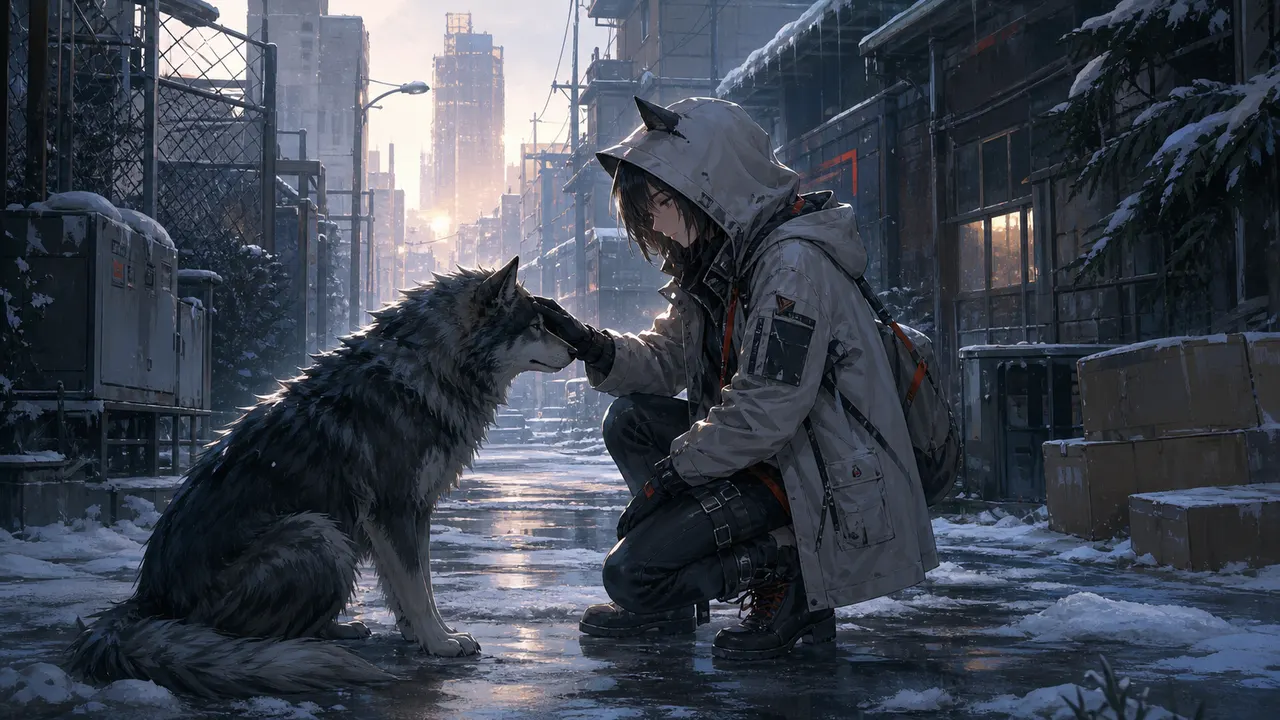
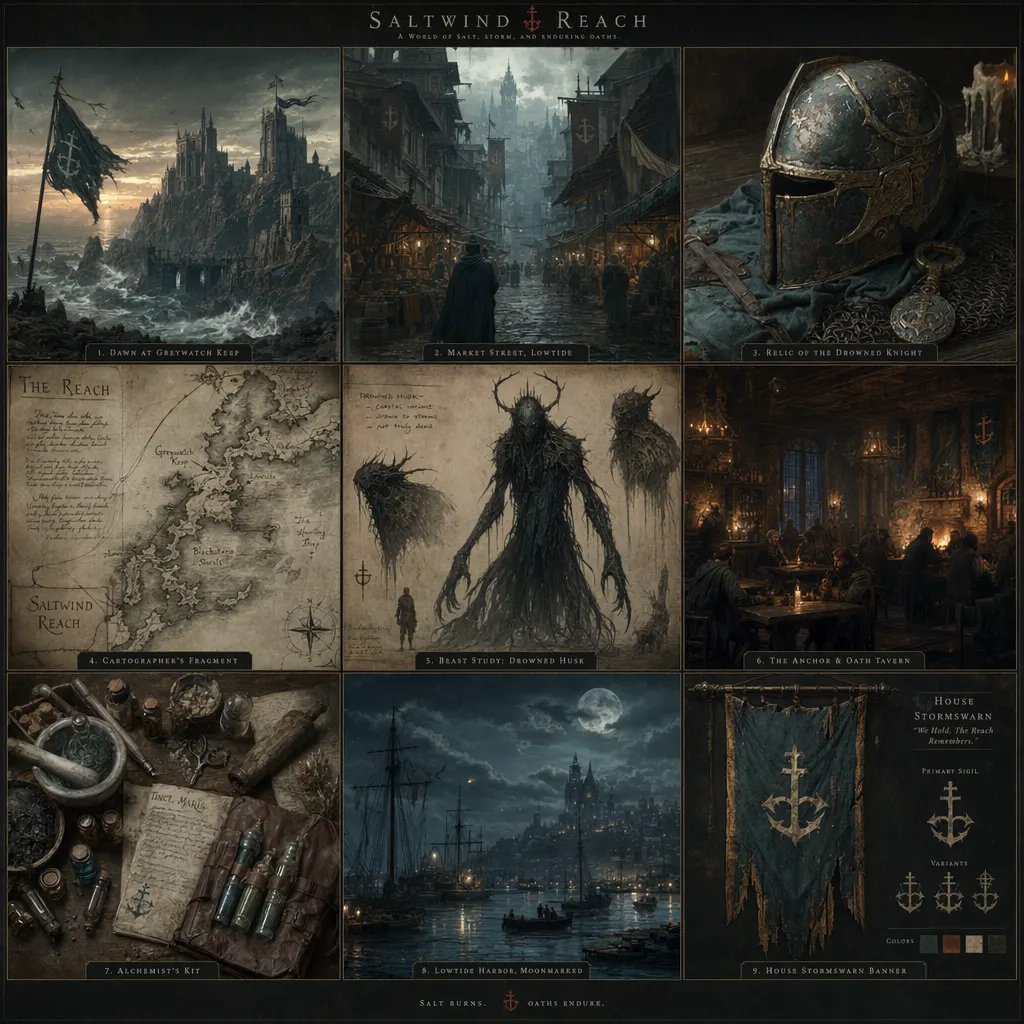
Ảnh từ README của tác giảKết quả tạo ảnh anime từ prompt được dịch ngược
Ảnh từ README của tác giả wuyoscar ·Nguồn
Bạn có thể làm gì với nó
- Tạo hình ảnh mới từ các prompt văn bản bằng tác nhân Claude Code của bạn.
- Chỉnh sửa hình ảnh hiện có thông qua các prompt mô tả bằng tác nhân AI.
- Trích xuất thông tin hình ảnh thành prompt để tạo nghệ thuật AI thêm.
Kiểm tra an toàn
Không thấy dấu hiệu rủi ro trong các file đã quét.
Quét tự động các file trong repo. Luôn xem lại code trước khi chạy.
Trích từ README
GPT Image 2/2.5 Prompt Gallery + Agent Skills + CLI Prompts, reference images, two agent skills and a CLI for GPT Image 2 and 2.5.
English · 中文
Overview · 2.5 samples · Example · Quick start · Install · CLI reference · Guides · Gallery · Contribute
🧭 What about this Repo
Item
Value


Gallery size
<strong>163 numbered entries</strong> across 31 categories, with selected images below


Surfaces
<strong>2 Agent Skills + CLI</strong>: Claude Code / Codex, OpenClaw, Hermes Agent and other skill-capable agent runtimes


Last update
<strong>2026-09-10</strong>


Docs
<strong>English + 中文</strong>
The repo keeps the GPT Image 2 prompt collection and gallery alongside 2.5 API support, reading material and task-specific references. The two skills handle image generation/editing and image-to-prompt extraction.
TBH, GPT Image 2.5 feels seriously capable. I prefer giving it a clear reference: a shape, a sketch or an image. Sometimes showing a layout from a PDF is more useful than describing it at length. It's how I like to work with GPT-6, too: minimize the prompt; make the reference clear.
I collect prompts, useful building blocks and references here to help you find a workflow that suits the job. Thanks for all the love this little gallery has received 🫶.
For the CLI, export the relevant PDF pages as PNG, WebP or JPG, then attach them with -i. See the supported image-reference formats. Keep required text and edit constraints explicit.
For PPT work, try vector-style diagrams, icons and slide layouts. The Image API outputs PNG, JPEG or WebP; editable SVG or PowerPoint shapes need a separate authoring step.
✨ Made with GPT Image 2.5
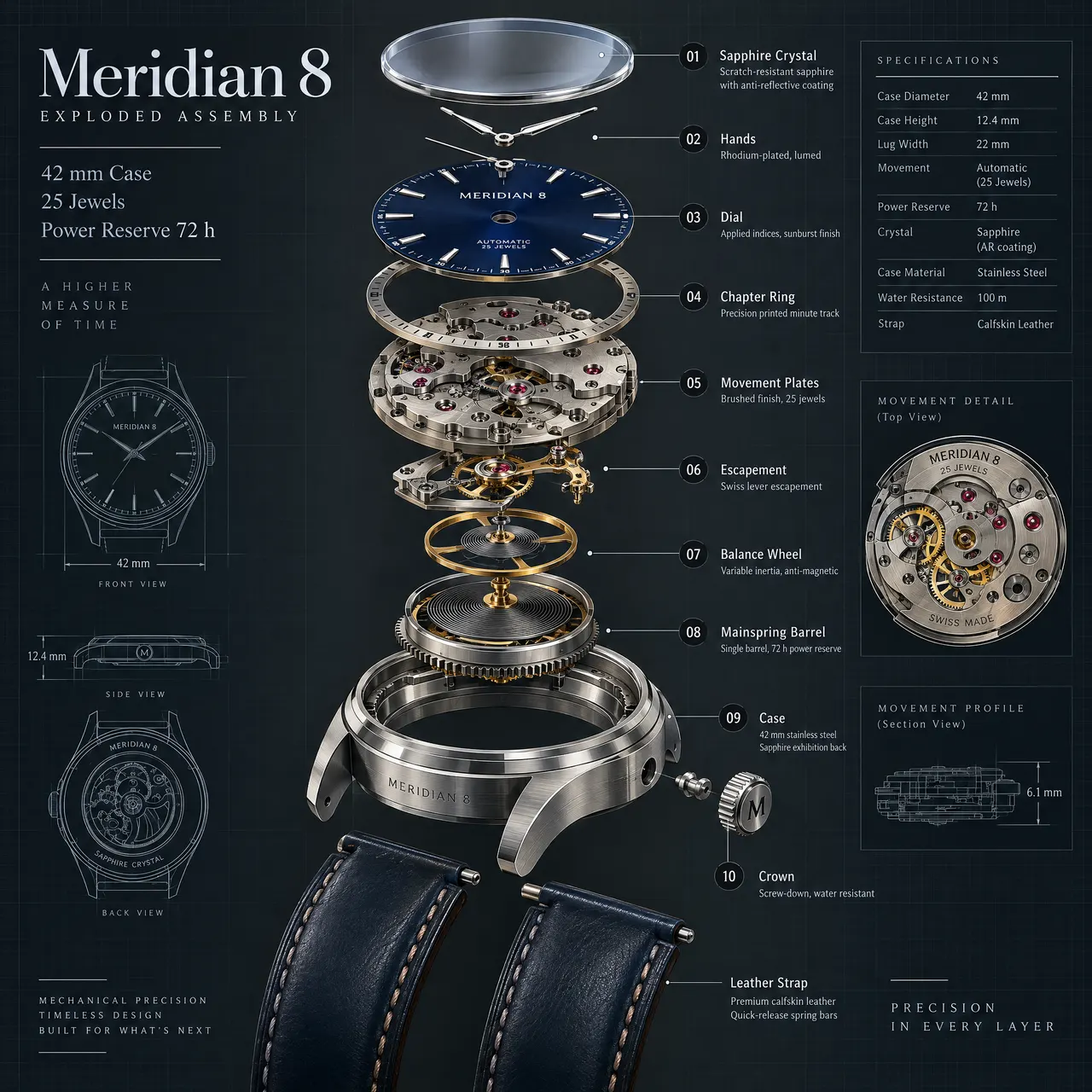
Two 2K samples: an exploded watch assembly with detailed callouts, and a multi-storey cafe cutaway built from a reference image. Both use gpt-image-2.5-sunburst, 2048x2048 and high.
  A · Meridian 8 exploded assembly2048x2048 · high · Curated


  B · Night cafe cutaway2048x2048 · high · Curated adaptation
A · No. 113 · Prompt
Create a premium technical exploded-view illustration of a fictional mechanical wristwatch called the Meridian 8, centered on a dark slate background with fine blueprint grid accents. Show the watch components separated vertically with precise spacing: sapphire crystal, dial, hands, chapter ring, movement plates, escapement, balance wheel, mainspring barrel, case, crown, and leather strap sections. Use realistic brushed steel, brass, ruby jewel accents, and deep navy dial details. Add crisp callouts and labels with the in-image text "Meridian 8", "Exploded Assembly", "42 mm Case", "25 Jewels", and "Power Reserve 72 h". Include numbered callouts "01" through "10" with short labels like "Balance Wheel", "Mainspring Barrel", and "Sapphire Crystal". The result should be highly detailed, technically believable, sharply rendered, and suitable for an industrial design plate with clean hierarchy, exact labeling, and refined material realism.
B uses the reference from No. 54, keeping the overall street layout while reworking the interiors, floors and lighting. Reference attribution: EvoLinkAI · Source.
B · No. 54 · Edit prompt
Use the reference image as the layout anchor for a richly detailed isometric two-block cafe district at blue hour. Keep the street footprint, corner cafe, neighboring bookstore, bakery and fountain plaza recognizable. Transform it into a three-storey architectural cutaway diorama with coherent 30-degree isometric geometry.

Open the front-facing walls to reveal the cafe espresso bar and upstairs jazz lounge; bookshelves, reading nooks and a spiral staircase in the bookstore; pastry cases and a working oven in the bakery. Add a rooftop glass greenhouse, tiny terraces, copper plumbing, tiled stairs, balconies, hanging plants and warm lights visible through rain-speckled windows. At street level show wet cobbles, bicycles, the coffee cart, varied miniature pedestrians and reflections around the fountain. Every floor, doorway and staircase should connect plausibly.

Use warm amber interiors against deep teal evening shadows, tactile brick, glazed tiles, glass and brushed brass. Preserve crisp detail throughout the scene, with a clean dark navy background and room around the floating diorama. Give the scene depth through cutaway rooms and layered architecture. Use restrained, readable storefront lettering: "NIGHT OWL CAFE", "OPEN BOOKS", and "DAWN BAKERY". Keep the composition square and visually balanced.
See the sample record for settings, inputs and review notes.
🖼️ From reference image to result
Thanks to @LunarXuan for Get Prompt from Image. A vision-capable agent extracts a prompt from a reference image, then passes it to gpt-image or another generator. The contributor-provided reference and its generated result are shown below.
  Reference image · Contributor-provided


  Generated result · ImageGen output
Attach an image and invoke the skill with a slash command, $get-prompt-from-image, or plain language:
/get-prompt-from-image
Extract a reusable English positive prompt and a targeted negative prompt from this image, then recreate it with gpt-image.
📝 Extracted prompt used for the generated result
Positive Prompt
A highly polished semi-realistic Japan