logo-design-skill
kaankiziltug · kaankiziltug/logo-design-skill
Kỹ năng này cung cấp cho các tác nhân AI kiến thức toàn diện, công cụ và thư viện tham khảo để thiết kế logo SVG sẵn sàng sản xuất.
Một skill thiết kế logo toàn diện cho Claude, Gemini CLI, Codex và các AI agent khác: nguyên tắc, quy trình, kỹ thuật SVG, công cụ kiểm tra và thư viện tham khảo hơn 1.400 logo.
Xem kết quả thực tế
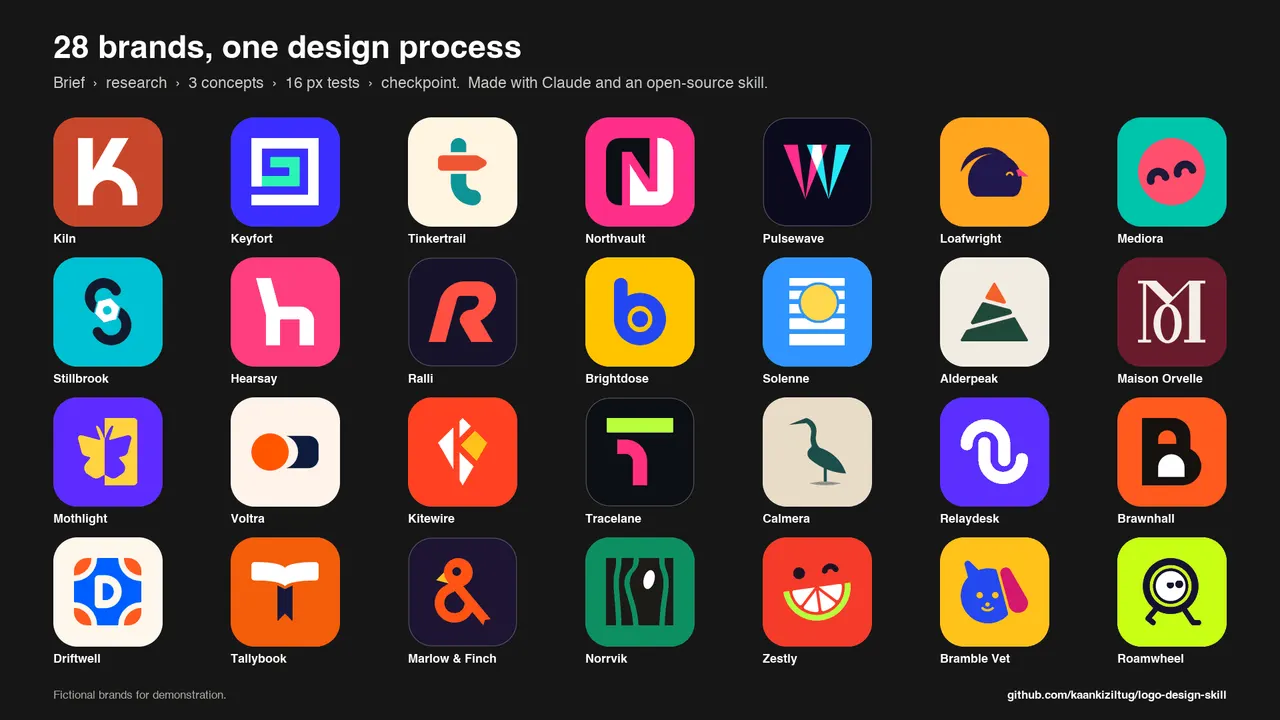
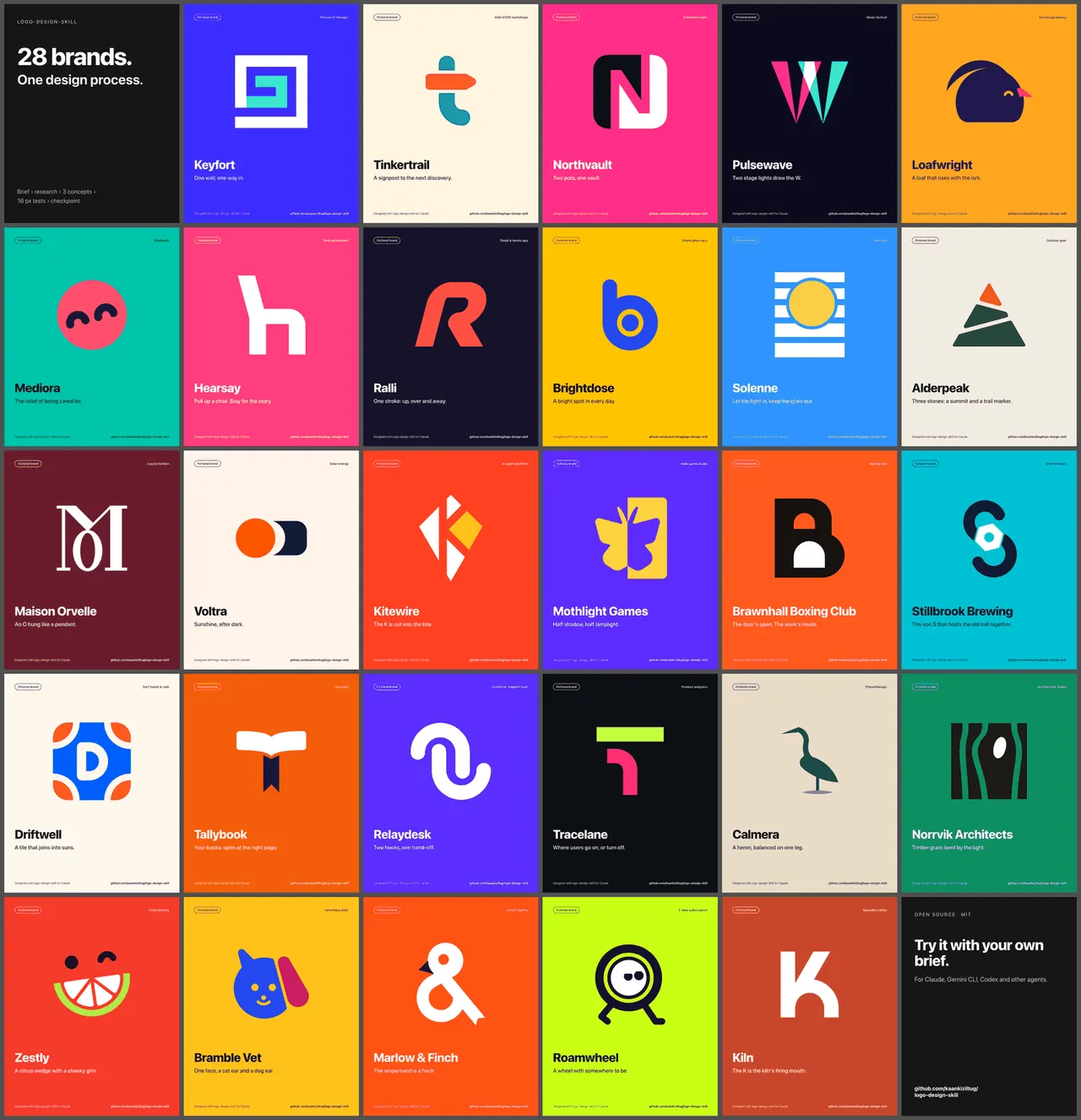
Ảnh từ README của tác giảLưới 28 logo thương hiệu được tạo bằng kỹ năng thiết kế của trợ lý AI
Ảnh từ README của tác giả kaankiziltug ·Nguồn
Bạn có thể làm gì với nó
- Tạo các ý tưởng logo dựa trên bản tóm tắt thiết kế và nhận diện thương hiệu.
- Kiểm tra một logo SVG theo các nguyên tắc thiết kế và đề xuất cải tiến.
- Tạo các bảng thử nghiệm và bảng trình bày cho khách hàng về thiết kế logo.
Kiểm tra an toàn
Không thấy dấu hiệu rủi ro trong các file đã quét.
Quét tự động các file trong repo. Luôn xem lại code trước khi chạy.
Trích từ README
Logo Design Skill for Claude & AI Agents
A comprehensive logo-design skill that turns Claude — or any agent that supports Agent Skills, such as Gemini CLI, Codex CLI, Cursor or GitHub Copilot — into a disciplined identity designer, from the first brief to production-ready SVG files and brand guidelines.
- Principles & process — discovery and briefs, word mapping, choosing the right mark type, concepting, geometric construction, optical corrections (overshoot, bone effect, irradiation…), colour, typography, lockups, testing, presentation, delivery, redesigns and identity systems.
- A reference library of 1,400+ real-world SVG logos, each visually classified by mark type, technique, geometry, subject, typography, mood and industry — searchable from the command line and browsable in a local gallery. Used to study construction, map category conventions and avoid look-alikes (never to copy).
- Dependency-free Python tools — audit an SVG against logo principles, build concept overview sheets and test sheets (16 px pixel test, one-colour, reversed, squint, mirror, contexts, competitor shelf test), create client presentation boards with industry-specific mockups, render PNGs, and export a complete favicon / app-icon / web-manifest set.
Contents: How it works · Install · Examples · Tests · Use · What's inside · Library
How it works
flowchart LR
    A[Briefquestions or stated assumptions] --> B[Researchcategory conventions in the library]
    B --> C[Concepts8–12 one-liners → build 3 in SVG]
    C --> D[Test & refineaudit · 16 px · one-colour · shelf test]
    D --> E{{Checkpointshow concepts, recommend, stop}}
    E -- "you pick a directionand ask for the kit" --> F[Kitcolour · lockups · board · icons · guidelines]
    E -- "you want changes" --> C
The skill always stops at the checkpoint: it shows the concepts as one overview image with a recommendation and offers the full kit. Nothing else is produced until you choose a direction — the kit is most of the work and only makes sense for an approved idea.
Install
Claude Code — plugin marketplace (recommended)
/plugin marketplace add kaankiziltug/logo-design-skill
/plugin install logo-design@logo-design-skill
Claude Code — manual
Copy the skill folder into your personal (all projects) or project skills directory:
git clone https://github.com/kaankiziltug/logo-design-skill.git
cp -r logo-design-skill/skills/logo-design ~/.claude/skills/logo-design          # personal
# or: cp -r logo-design-skill/skills/logo-design .claude/skills/logo-design     # per project
Claude.ai / Claude Desktop
Download logo-design.zip from the Releases page (or run
python3 tools/package_skill.py) and upload it under Settings → Capabilities → Skills. If your upload has a size
limit, use logo-design-lite.zip (everything except the SVG files themselves).
Gemini CLI, Codex CLI and other agents
The skill uses the open Agent Skills format (a folder with a SKILL.md), so it works in any agent that supports
skills — the instructions are plain Markdown and the tools are plain Python. Clone once, then copy the folder into
your agent's skills directory:
git clone https://github.com/kaankiziltug/logo-design-skill.git
| Agent | Personal (all projects) | Per project |
|---|---|---|
| Gemini CLI | ~/.gemini/skills/logo-design (or ~/.agents/skills/) | .gemini/skills/logo-design |
| Codex CLI | ~/.codex/skills/logo-design | .codex/skills/logo-design |
| Cursor, GitHub Copilot, OpenCode, others | see your agent's skills docs | usually a skills/ folder in the project |
cp -r logo-design-skill/skills/logo-design ~/.gemini/skills/logo-design     # Gemini CLI
cp -r logo-design-skill/skills/logo-design ~/.codex/skills/logo-design      # Codex CLI
Start a new session and ask for a logo; the agent picks the skill up from its description. The skill works best with
a model that can view images, because it renders its own drafts to PNG and checks them before showing you anything.
The .claude-plugin/ folder is only used by Claude Code and is ignored elsewhere.
Examples
Twenty-eight fictional briefs, from quiet luxury and neon festivals to B2B SaaS, fintech and health — each run end to end with the skill. For every brand you see exactly what the skill shows at the checkpoint (greyscale concepts with true 64/32/16 px sizes and a recommendation), followed by a colour preview of the chosen direction on mockups picked for that industry. Later batches deliberately push vivid, saturated palettes while still passing the one-colour and 3 : 1 contrast checks. The newest batch takes on three crowded categories: SaaS (no chat bubbles, charts or padlocks), finance (no coins, piggy banks or bank blue) and health (no crosses, pills or heartbeat lines). The latest ten add another ten sectors. In four of them the client picked a different concept at the checkpoint than the one the skill recommended, and the skill refined that choice before colouring it: exactly what the checkpoint is for.
| Brand | Sector | Style | Chosen mark |
|---|---|---|---|
| Kiln | Specialty coffee | Warm, crafted, modern | Letterform + custom wordmark |
| Zestly | Food delivery | Juicy, cheeky, tomato & lime | Mascot |
| Maison Orvelle | Luxury fashion | High-contrast Didone | Monogram |
| Pulsewave | Music festival | Neon on night, kinetic | Abstract letterform |
| Tinkertrail | Kids' STEM education | Playful, rounded, multi-colour | Letterform |
| Ralli | Sp |