projectmem
riponcm · riponcm/projectmem
An open-source, local-first MCP server that provides memory and judgment for AI coding agents, recording issues, attempts, and decisions to prevent repeating past failures.
Open-source coding agents memory. Records issues, attempts, fixes and decisions, then warns your agent before it repeats an approach that already failed. Native MCP server for Claude Code, Cursor, Antigravity and Codex. 100% local, no cloud, no telemetry. MIT.
See it in action
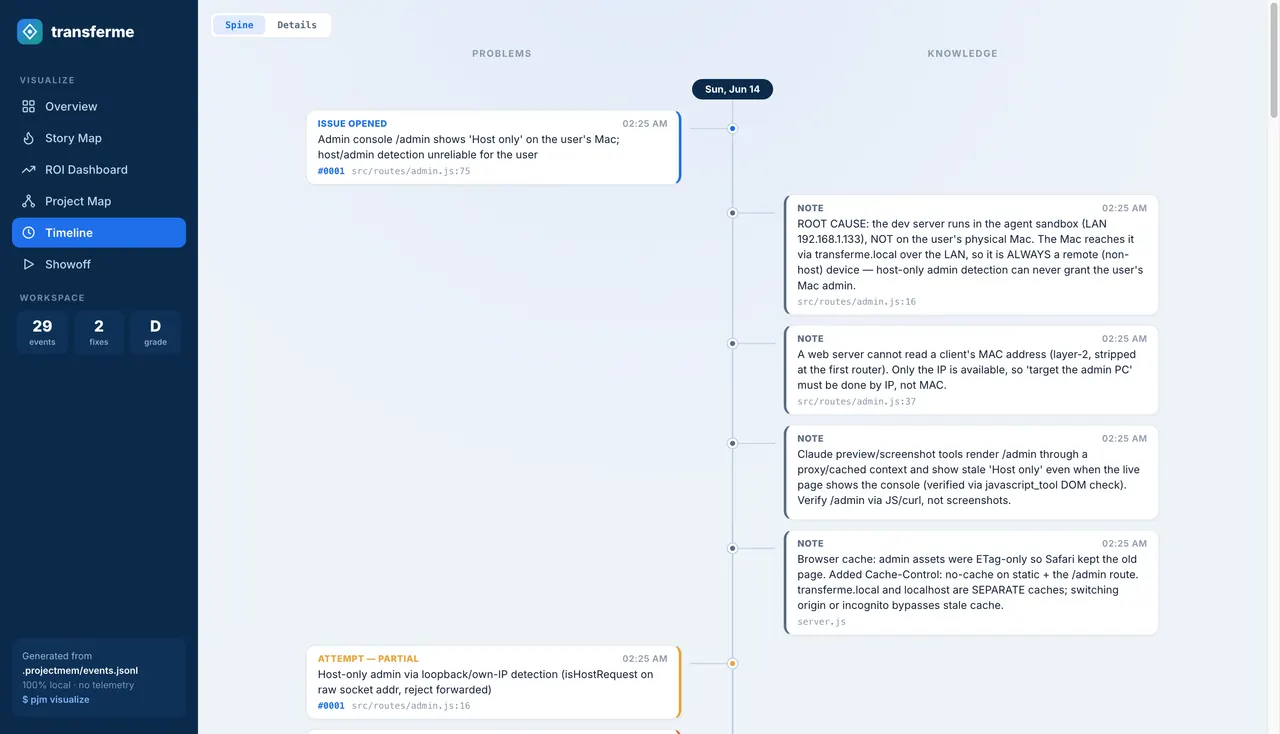
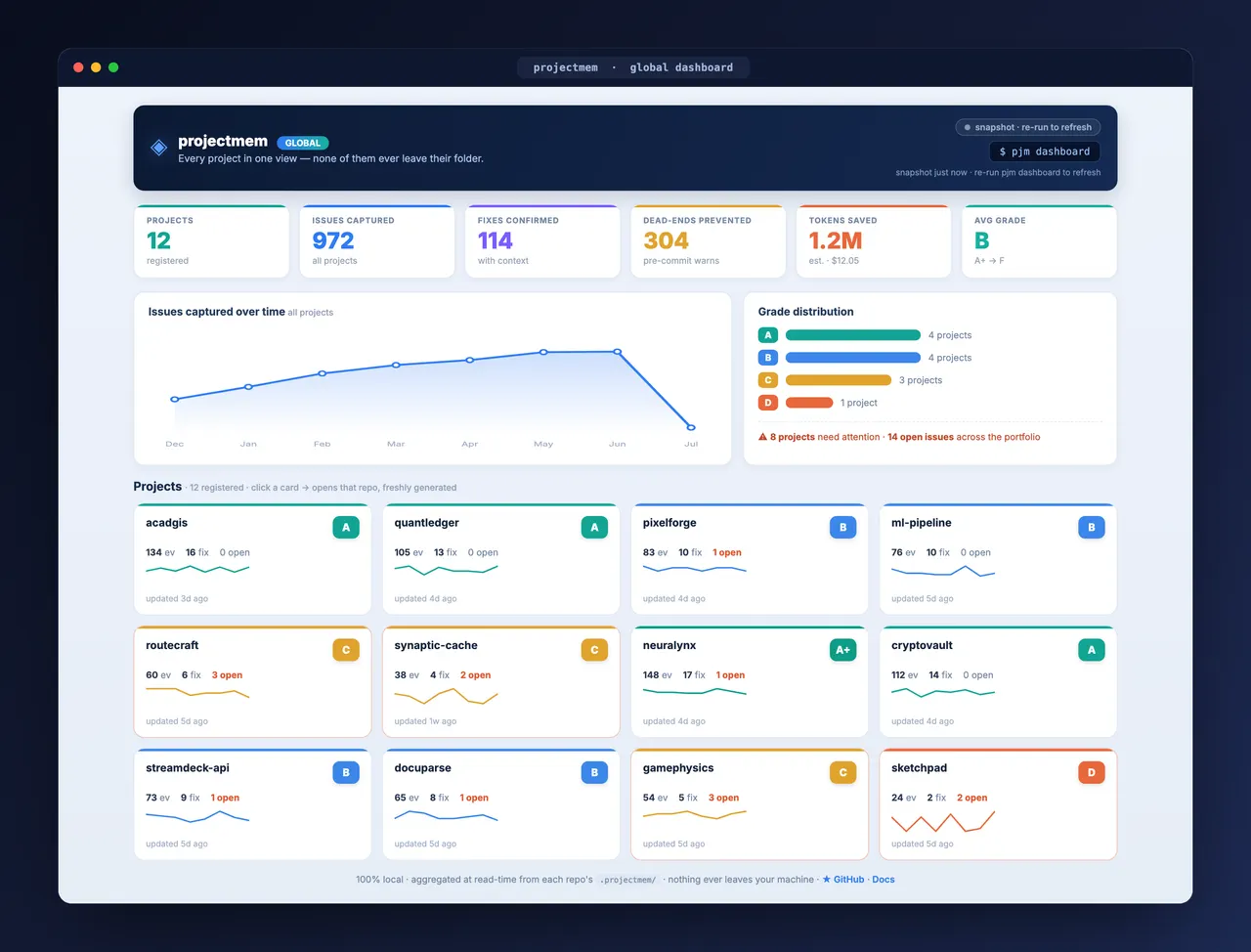
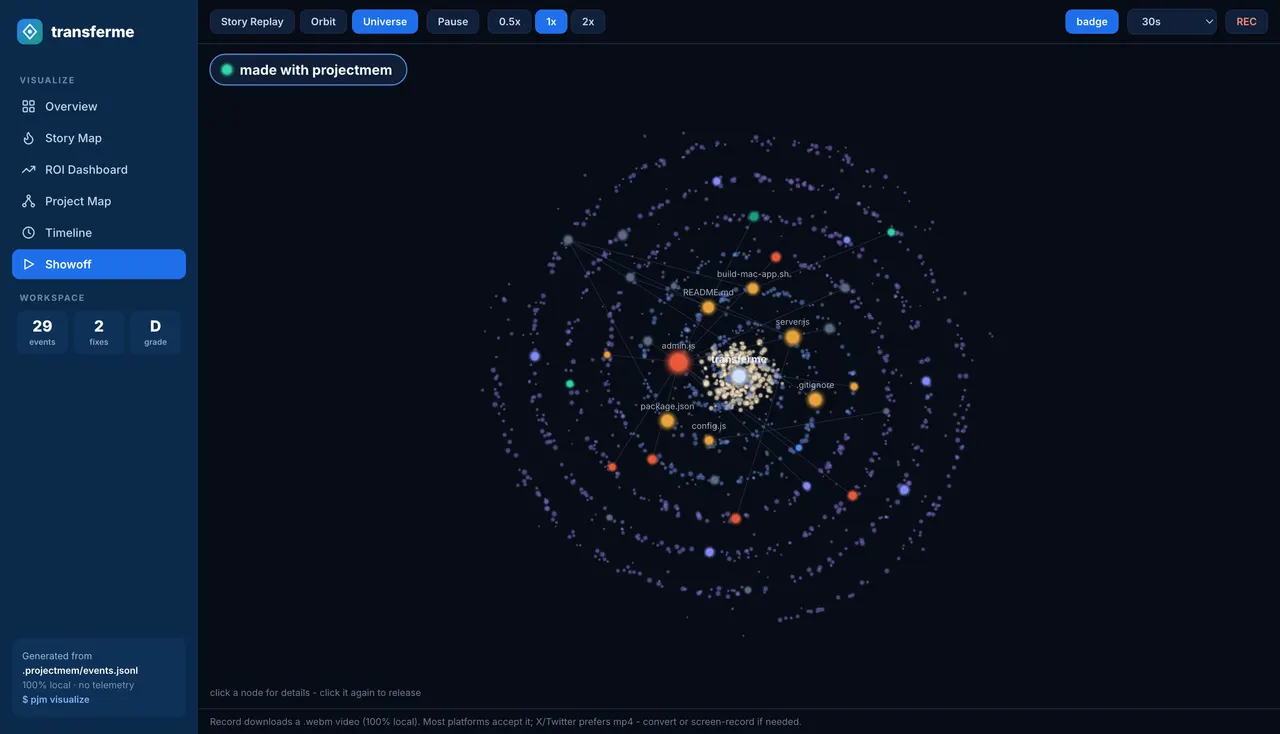
From the author's READMETime Spine view separating project problems from captured knowledge
From the author's README riponcm ·Source
What you can do with it
- Prevent AI agents from re-implementing solutions that previously failed in a project.
- Provide historical context and learning for an AI agent across coding sessions.
- Visualize the problem-solving journey of an AI agent on a project.
Safety check
No risky patterns found in the files we scanned.
Automated scan of the repo files. Always review code you run.
From the README
🎉 v0.3.4 is out — the summary stays small as your project ages, commits are filed under the code they change, and stale warnings no longer depend on your time zone. See what changed →
We don't make AI smarter. We make it experienced. Coding agent memory — the local-first memory + judgment layer for AI coding agents. One MCP server for every project. Stop re-reading your project every session. Stop repeating yesterday's bug.
<b>Website</b> •
<b>Guide</b> •
<b>Demo</b> •
<b>Changelog</b> •
<b>Paper</b>
pjm visualize — every case your project solved, what failed on the way, and what it saved. Generated locally from .projectmem/events.jsonl.
🚀 Start here — five minutes, once
Five minutes if you follow along here. Want to be shown instead — every command, the exact output it prints back, and the dashboards at the end? Take the complete setup guide.
New to projectmem, or upgrading from 0.1.x / 0.2.x? Since 0.3.0 one MCP server serves every project, so this is the last time you configure anything.
1. Install or update
pip install -U projectmem2. Find the projects you already have
pjm doctorIt looks where code lives —
~/Developer,~/code,~/projects, your cloud folders, and every drive on Windows — and lists projects with memory that aren't registered yet. Anything it missed, add by hand:pjm project register "/Users/you/Developer/repos/ossdrop"3. Register them
pjm doctor --fix4. Point your AI at all of them with one config
"mcpServers": {
  "projectmem": {
    "command": "/absolute/path/to/python",
    "args": ["-m", "projectmem.mcp_server"]
  }
}
No
--root, nocwd— that's what makes it serve everything. Per-client instructions (Claude Desktop, Claude Code, Cursor, Antigravity, Codex) are in MCP Integration;pjm initprints this block with your own Python path filled in. Then fully restart the client — MCP servers only load on a cold start.5. Check your work
pjm doctorAdd
--onlineif you also want it to tell you when a newer projectmem is out — projectmem makes no network calls otherwise, and--autoturns that into a once-a-day check if you prefer.Run it again after editing the config. It flags any client still pinned to a single repo — the most common reason a new project is invisible to your agent.
All green? You're done. From here on it is one command per repo:
pjm initYour agent reads what the project already learned instead of rediscovering it, and writes down what it finds. Fewer tokens, no repeated dead ends, memory that outlives the session.
What is coding agent memory?
Coding agent memory is a persistent record of what happened while building a project — the issues hit, the approaches attempted, the fixes that worked and the decisions made — stored so an AI coding agent can read it at the start of a new session. Without it every session begins from zero.
projectmem is an open-source agent memory layer built for that job. It is
local-first: memory lives in a plain .projectmem/ directory inside your
repository, with no cloud, no account and no telemetry — the only network call
it can make is an update check you turn on yourself. A native MCP server
exposes 17 tools to Claude Code, Claude Desktop, Cursor, Antigravity and Codex,
so your agent reads memory and logs its work on its own.
Unlike chat-history memory tools, projectmem stores typed events — issues, attempts, fixes, decisions, notes — which is what makes its signature feature possible: a pre-commit warning that fires before you repeat an approach that already failed in this project.
pip install projectmem
cd your-project && pjm init
🎬 Watch the demo
Full screen-recorded tutorial- watch on YouTube
📚 Docs
| Doc | What's in it |
|---|---|
| Complete setup guide | The full walkthrough on the web — install, MCP setup per client, pjm doctor, your first logged issue, and both dashboards. Every terminal output is captured from a real run. |
| TUTORIAL.md | 15-minute step-by-step walkthrough — set up projectmem on your own project, watch the lifecycle, see the pre-commit warning fire. |
| CHANGELOG.md | Release history. Latest: v0.3.4 — fixes for three community reports, a bounded summary, and a time-zone regression from 0.3.3. |
| Research paper (arXiv:2606.12329) | PROJECTMEM: A Local-First, Event-Sourced Memory and Judgment Layer for AI Coding Agents — the peer-readable version: design, Memory-as-Governance framing, capability comparison, and the 207-event dogfooding study. |
| LICENSE | MIT |
The Problem
Every new AI session starts from zero. Claude, Cursor, Aider — they all forget yesterday's decisions, repeat failed debugging attempts, and burn millions of tokens reconstructing context from raw source files.
The model isn't the problem. The architecture is. Stateless models need a memory cortex.
The Solution
projectmem is the local-first memory + judgment layer that sits above your AI tools. It captures every failed attempt, decision, and gotcha — then injects that experience back into future AI sessions. Git tracks what chang