design-extract
Manavarya09 · Manavarya09/design-extract
Extracts a complete design system from any website, generating DTCG tokens, Tailwind config, Figma variables, and more, for AI coding agents.
Extract any website's complete design system with one command. DTCG tokens, semantic+primitive+composite, MCP server for Claude Code/Cursor/Windsurf, multi-platform emitters (iOS SwiftUI, Android Compose, Flutter, WordPress), Tailwind v4, Figma variables, shadcn/ui, CSS health audit, WCAG remediation, Chrome extension. MIT, Playwright, Node 20+.
See it in action
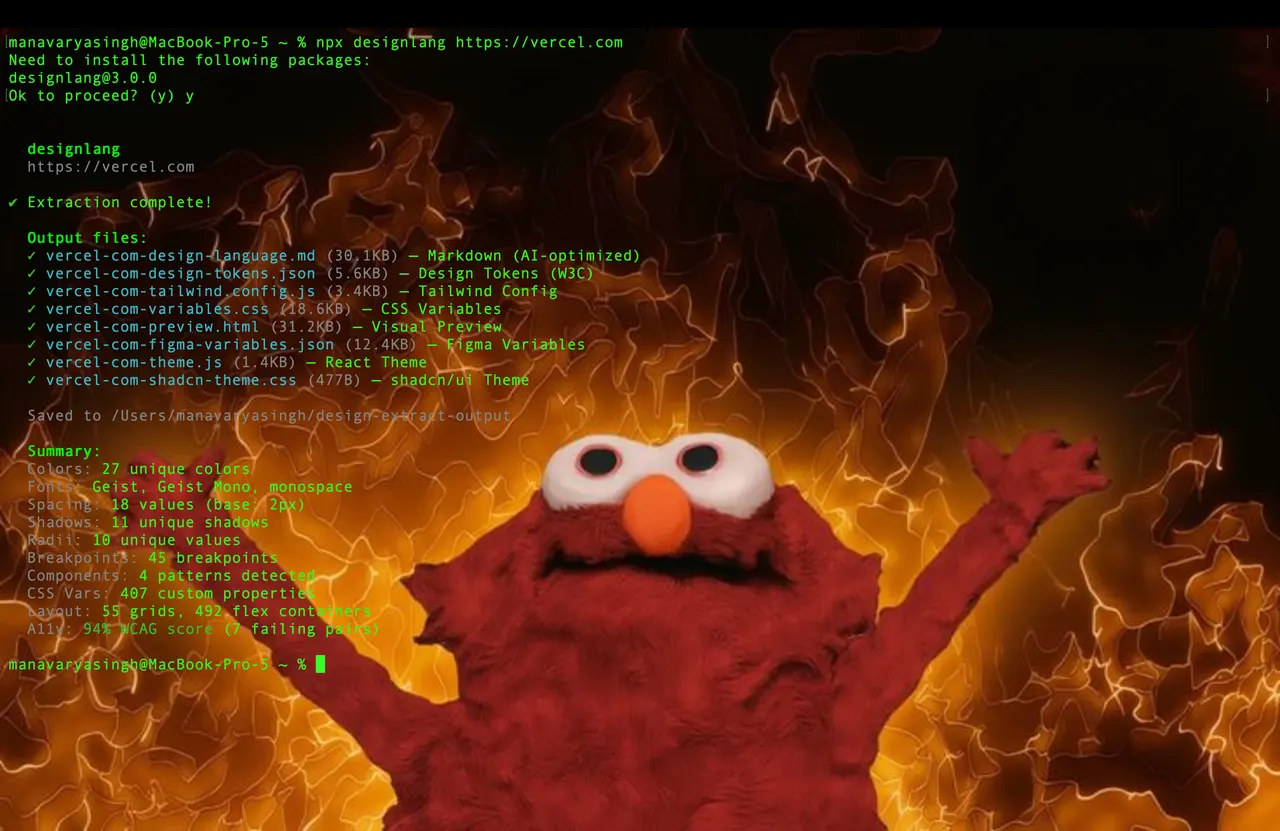
From the author's READMETerminal showing designlang extracting tokens and configs from a URL
From the author's README Manavarya09 ·Source
What you can do with it
- Convert an existing website's visual style into a Tailwind CSS configuration.
- Generate Figma variables based on a live site's design for consistent UI prototyping.
- Audit a website's CSS health and WCAG compliance, then get remediation suggestions from the agent.
Safety check
No risky patterns found in the files we scanned.
Automated scan of the repo files. Always review code you run.
From the README
Built by Manav Arya Singh (@Manavarya09)
Sponsors
Atlas Cloud — powers OpenAI-compatible --smart classification. For AI coding workflows, try the Atlas Cloud coding plan.
Bloome — deploys your AI clone to handle every audience conversation, running in the cloud, 24/7.
Try designlang on Bloome.
designlang points a headless browser at any URL and reads the design system off the live DOM. One command emits 17+ files — DTCG tokens, Tailwind config, shadcn theme, Figma variables, motion tokens, typed component anatomy, brand voice, page-intent labels, and a paste-ready prompt pack for v0 / Lovable / Cursor / Claude Artifacts.
It also goes where extractors don't: layout patterns, responsive behavior across 4 breakpoints, hover / focus / active states, WCAG contrast scoring, multi-page consistency, drift checks against a live source-of-truth, visual-diffs, and a shareable graded report card.
Quick start
npx designlang https://stripe.com                      # extract everything
npx designlang dna stripe.com                          # place it in the measured design space: neighbours + percentiles ← v13.1
npx designlang site stripe.com                         # whole-site: one canonical system + consistency grade ← v12.23
npx designlang fidelity stripe.com --clone localhost:3000  # score a clone vs the original (visual + motion) ← v12.24
npx designlang gallery                                 # static shareable gallery of measured clones      ← v12.24
npx designlang studio                                  # live token editor: edit, preview, export, share ← v12.19
npx designlang verify stripe.com                       # fidelity score: rebuild from tokens vs live ← v12.18
npx designlang pair stripe.com linear.app              # fuse two designs (visuals A × voice B)    ← v12.8
npx designlang brand stripe.com                        # full brand-guidelines book (13 chapters)  ← v12.7
npx designlang theme-swap stripe.com --primary "#ff4800"  # recolour around your brand        ← v12.6
npx designlang pack stripe.com                         # one polished design-system directory ← v12.4
npx designlang remix stripe.com --as cyberpunk         # restyle in another vocabulary       ← v12.3
npx designlang remix stripe.com --all                  # emit all 6 vocabs at once           ← v12.3
npx designlang grade https://stripe.com --badge        # report card + SVG badge             ← v12.2
npx designlang battle stripe.com vercel.com            # head-to-head graded fight           ← v12.2
npx designlang clone https://stripe.com                # working Next.js starter
npx designlang --full https://stripe.com               # screenshots + responsive + interactions
Drop a live design-score badge in any README:
Watch it read — live Extraction Theatre (v13)
Don't take the output on faith — watch it happen. On designlang.app/watch you paste a URL and a real headless Chromium opens the page and reads its entire design system in real time: a split stage with the live browser on the left and the design system — palette, type, spacing, motion — assembling itself on the right as each token lifts off the page.
It's driven by the actual extraction (the browser's CDP screencast streamed frame-by-frame alongside the real token events), recorded so a shared link replays the exact run. No install, no account. Every gallery card can be watched the same way, and the gallery now spans 37 real-graded design systems.
Whole-site design system (site)
Most extractors read a single URL. designlang site crawls a site's canonical
pages (home, pricing, docs, blog, about, product…) and synthesizes one
de-duplicated system. Every token is elected by coverage — the share of pages
that use it — so what's genuinely site-wide is separated from one-off,
page-local choices. Near-identical colours are merged in OKLab. It's fully
deterministic and free; no API key.
npx designlang site stripe.com --max-pages 8
You get, alongside the standard pack emitted from the canonical system:
| File | What it is |
|---|---|
*-site-system.json | canonical unified tokens + coverage + drift |
*-site-coverage.md | every token tagged 🟢 site-wide / 🟡 section / 🔴 page-local, with the pages using it |
*-site-consistency.md | a 0–100 consistency grade, per-category breakdown, and the off-system outliers to consolidate |
Measured clone fidelity (fidelity + gallery)
Cloning tools all claim "pixel-perfect" — none of them measure it. designlang fidelity does. Point it at the original and your clone (often a local dev
server) and it returns one honest number, both halves of the clone:
- Visual — full-page screenshots of each, pixel-diffed.
- Motion —
extractMotion()on both, compared across feel, durations, easings, springs, keyframe kinds, scroll-linked motion, and choreography/ stagger. (Most clones reproduce static pixels and drop the motion entirely; this is where they lose.)
The two blend into a 0–100 score + letter grade, and — the part competitors don't ship — a ranked correction plan: the exact next edits that will raise the score, hardest-hitting first. Measure → fix → re-run until it converges.
npx designlang fidelity https://stripe.com --clone http://localhost:3000
npx designlang fidelity https://stripe.com --clone http://localhost:3000 --min 90   # CI gate
Generating the clone with designlang clone? Add --fidelity and it grades the
clone's token basis against the live site the moment it's built — writing
FIDELITY.md + a correction plan straight into the project, no separate step:
npx designlang clone https://stripe.com --fidelity
You get fidelity.md (score + moti